
Mark where needed
Work near preparation, holding or packing areas so products and information stay together.
 中文
中文
Place dates, batches and brand details directly on every thoughtfully made product.
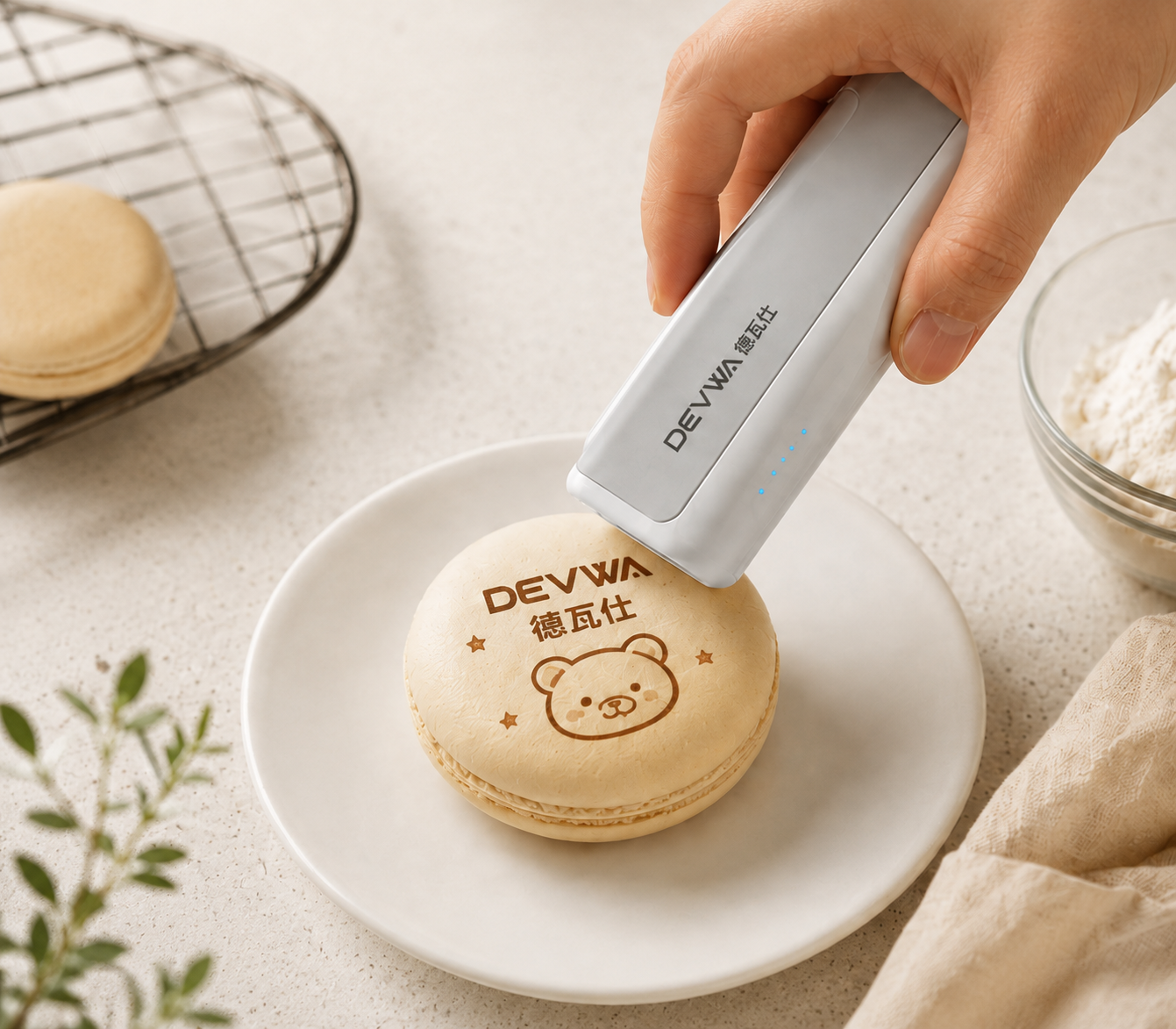
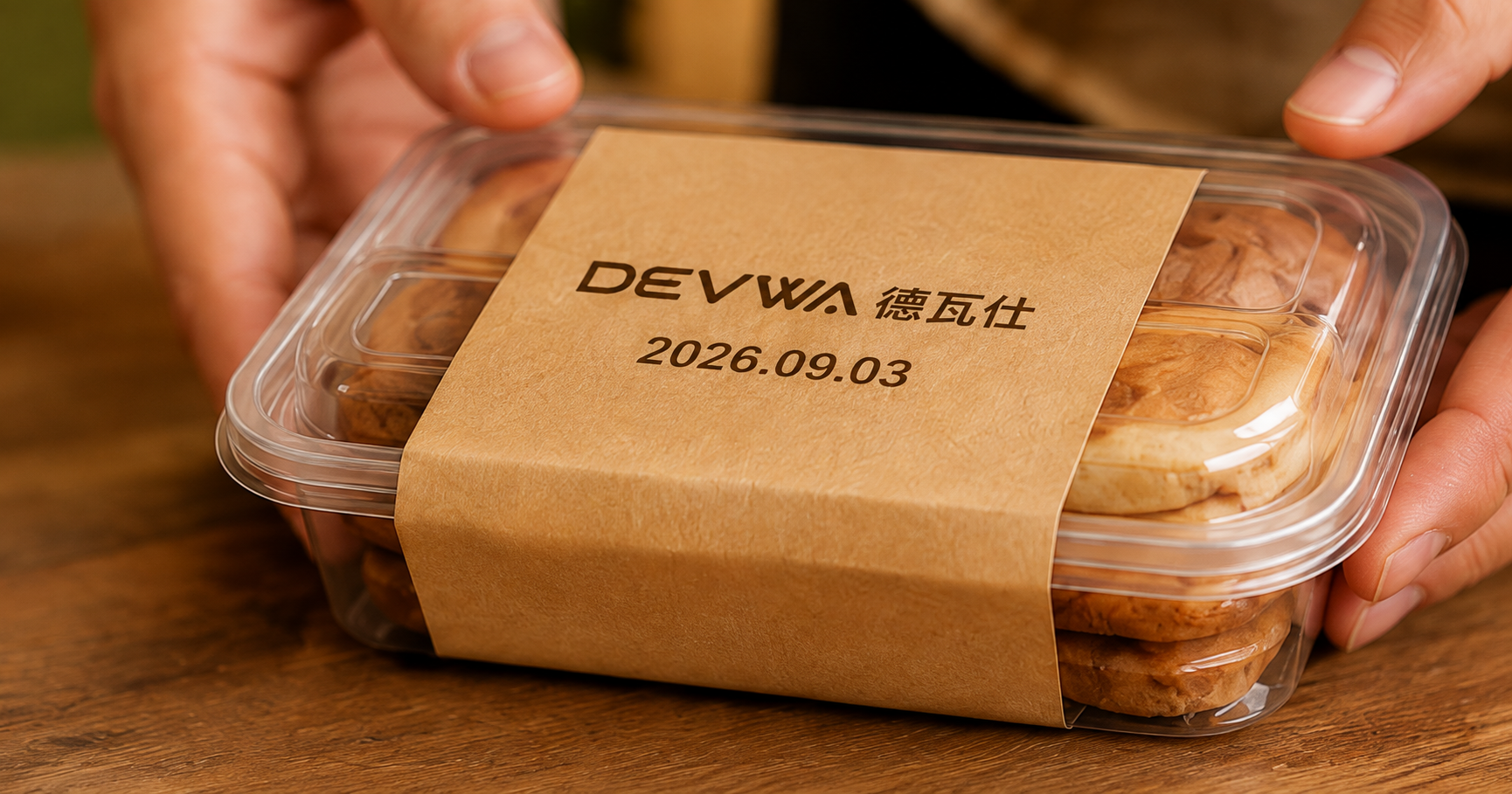
PRODUCT / FOOD PRINTING
Bring dates, batches, words and brand graphics to the exact place they are needed. Keep the device close to the product and the information close to the customer.
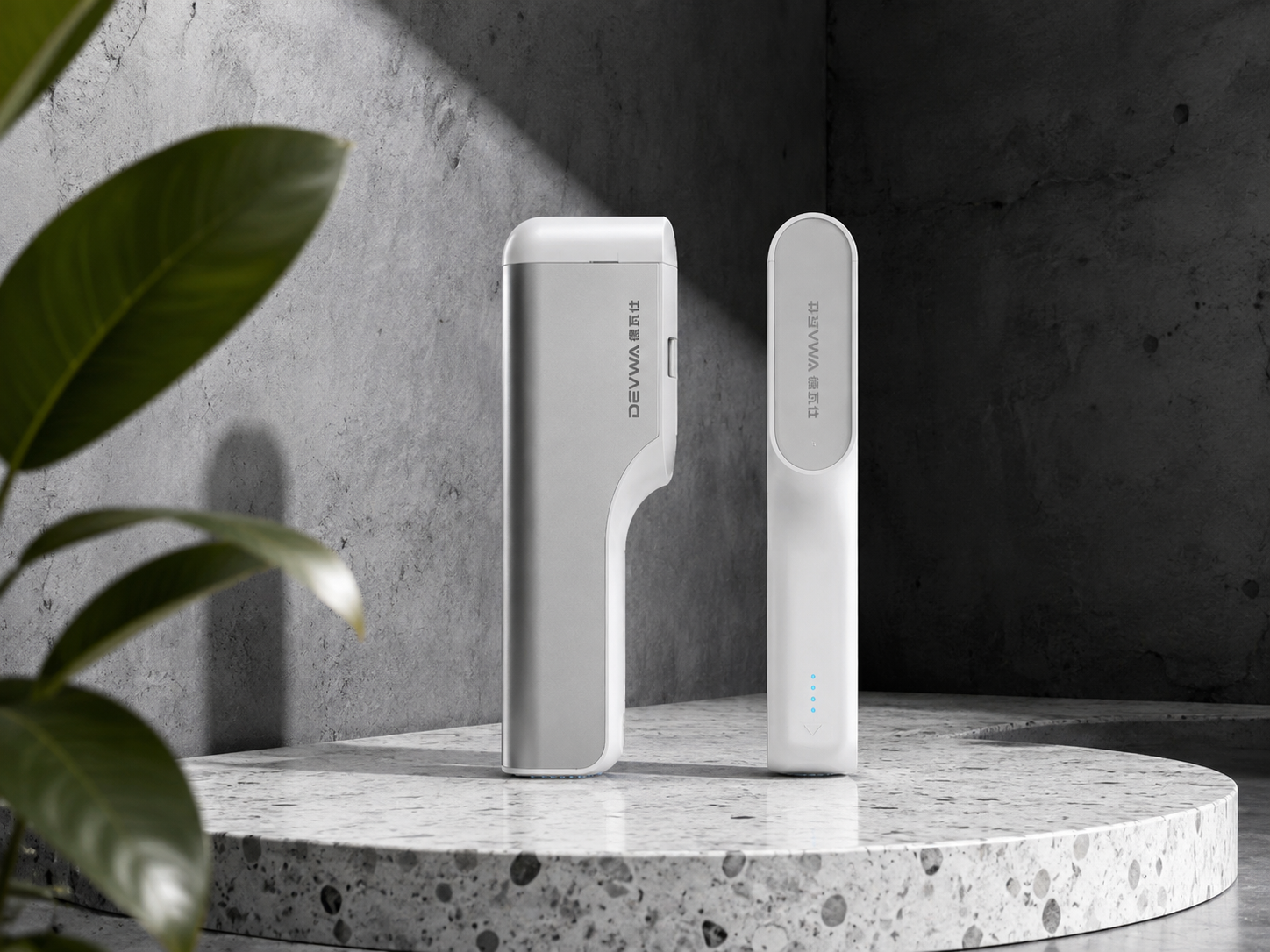
DEVWA / FOOD PRINTING
CAPABILITIES
A useful tool should fit into the work already happening. It should reach the right place quickly and make accurate marking easy.
Work near preparation, holding or packing areas so products and information stay together.
Choose dates, batches, text or brand graphics for the task at hand.
Confirm the surface and content first, then create readable, recognizable marks.
Place functional information and brand detail together for a complete experience.
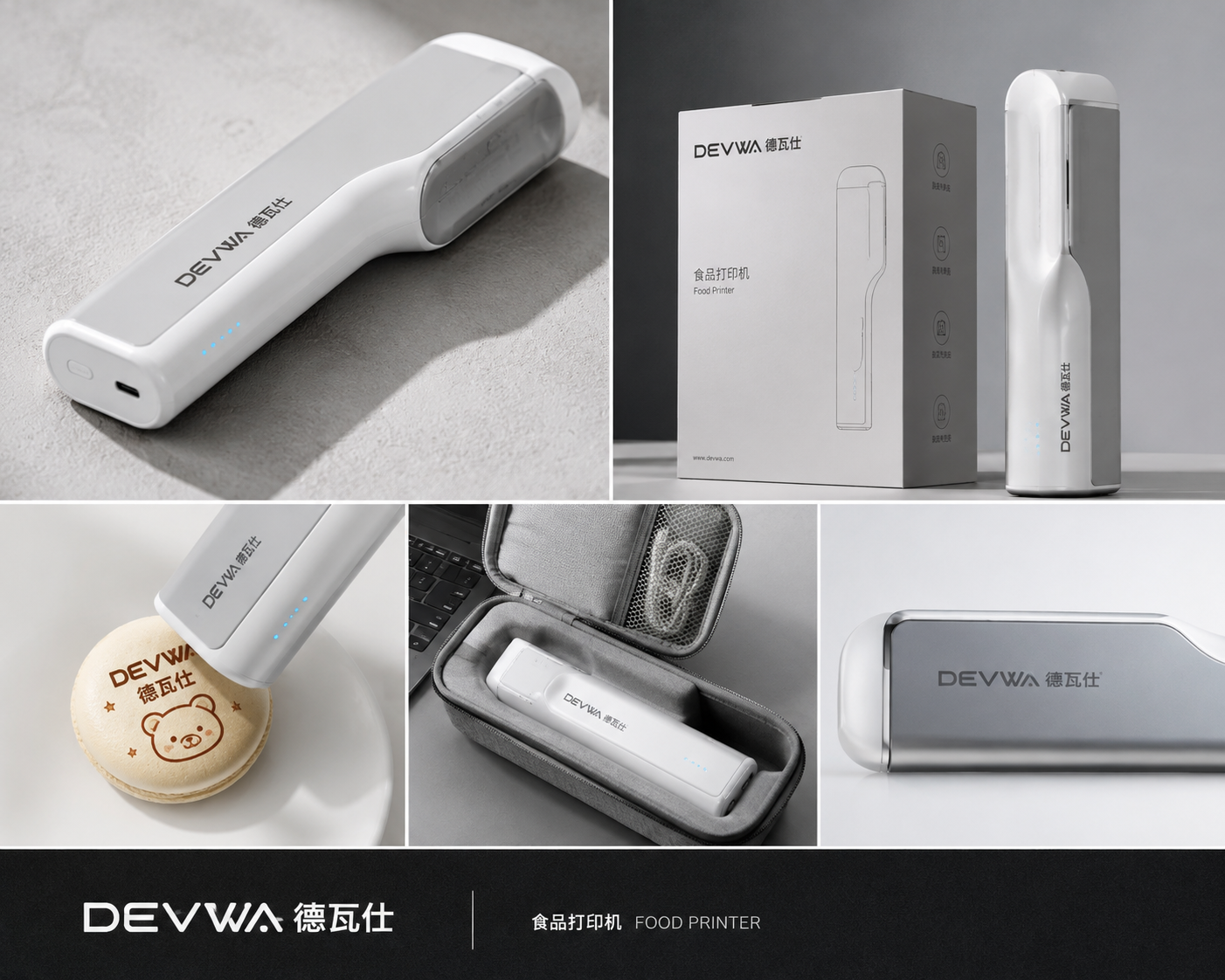
HOW IT WORKS
Keep the process easy to understand so new team members can learn daily tasks faster.
Confirm the date, batch, text or graphic that needs to appear.
Find the right printing area on the food or packaging surface.
Test a real sample first, then place the content on the product.
USE CASES
Clear marking does not have to add a complicated process. Choose a scenario close to your work and see where the device can fit.
Suitable for presenting custom information on cakes, cookies and bread after testing the food surface, ink and compliance requirements.
Organize time, batch and handling information around preparation, holding and service.
Bring dates, batches and brand content into the packaging reading order so customers can see key information faster.
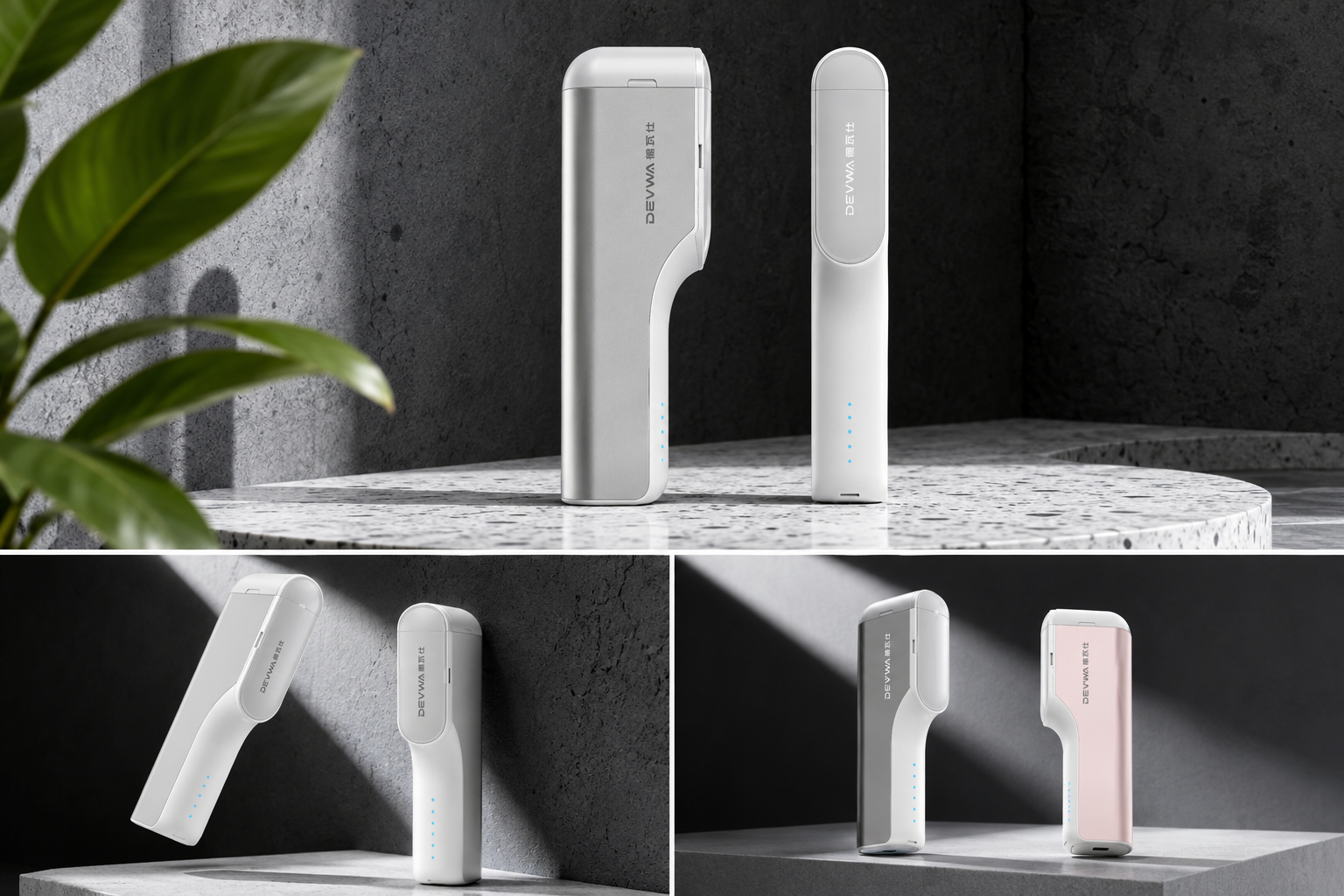
Support tastings, collaborations and seasonal events where content needs to change quickly.
SELECTION GUIDE
Food, packaging surfaces and work rhythms affect printing results and operation. Confirm these four points before selecting a solution.
Identify the food, paper package or other surface and provide its condition, size and a real sample.
Describe dates, batches, words or graphics and how often the content changes.
Consider task volume, operators and changing workstations to assess portable operation.
Confirm food-contact, ink, cleaning and internal quality requirements, then test samples.
This website presents product design and application ideas. It does not replace model specifications, food-contact documentation or on-site testing. Confirm surface compatibility, ink selection and workload with formal product information and sample tests.
OUR STORY
The device does not need to become the center of the workplace. Every piece of information simply needs to appear directly and reliably.
From grip to reading order, each detail begins with a real food scenario.
FAQ
Start with your scenario, then discuss the product and solution that may fit.
CONTACT / GET A SOLUTION
Tell us about your surface, content and work rhythm, then begin with a demonstration using a real sample.